5 Proven Methods to Stop WordPress Brute Force Attacks
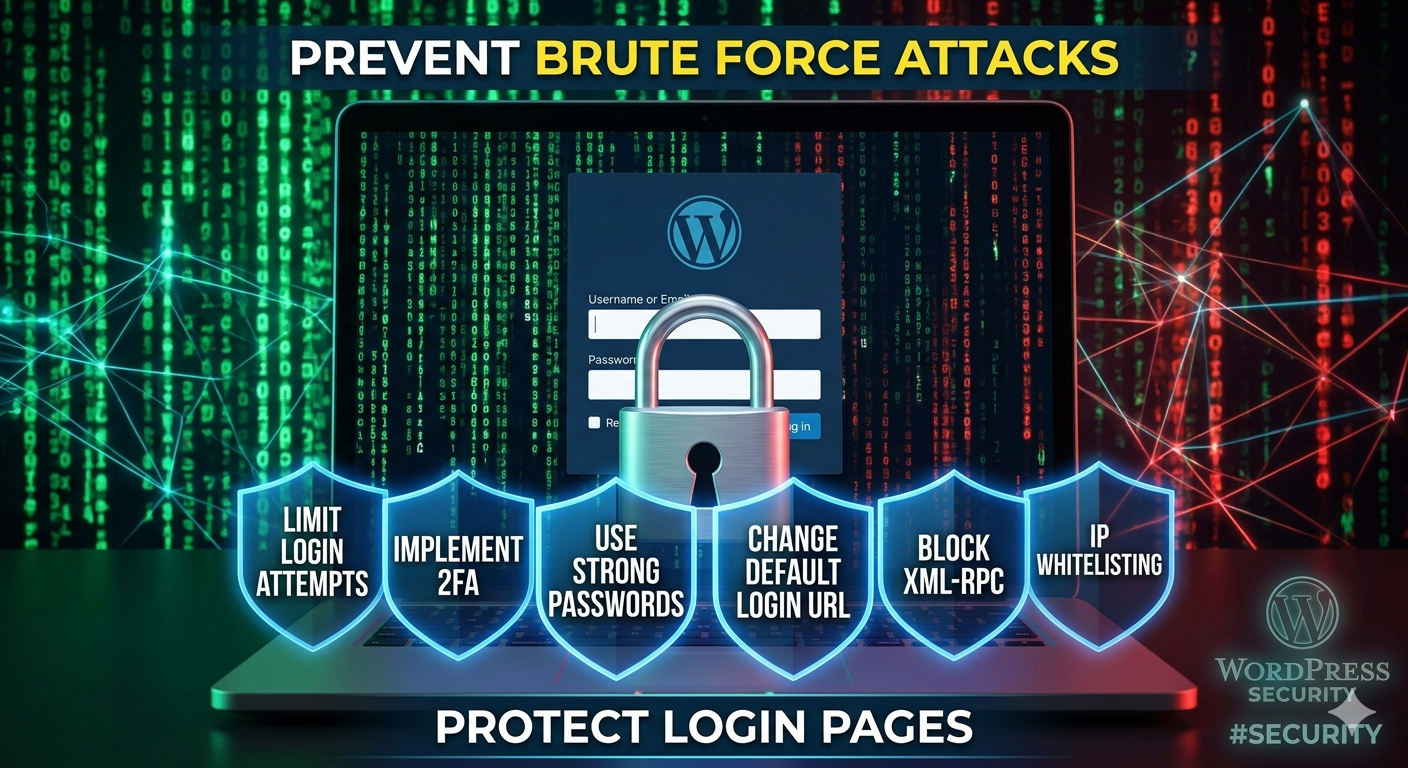
Brute force attacks are among the most common threats targeting WordPress websites. In these attacks, automated bots repeatedly attempt different username and password combinations until they gain unauthorized access. Implementing multiple layers of security significantly reduces the likelihood of a successful attack.
1. Limit Login Attempts
By default, WordPress allows unlimited login attempts, making it vulnerable to password-guessing attacks. Configuring a login attempt limit helps mitigate this risk.
**Recommended settings:**
* Allow 3–5 failed login attempts.
* Lock the user or IP address for 15–30 minutes after exceeding the limit.
* Increase lockout duration for repeated violations.
This approach prevents automated bots from making unlimited authentication attempts.
2. Enable Two-Factor Authentication (2FA)
Two-factor authentication adds an additional verification step beyond the password. Even if an attacker obtains valid credentials, they cannot access the account without the second authentication factor.
Preferred authentication methods include:
* Authenticator applications
* Passkeys or WebAuthn
* Hardware security keys
Email-based verification can also be used, while SMS-based authentication is generally considered less secure.
3. Secure the Login Page
The default WordPress login endpoints are well known and frequently targeted by attackers.
Recommended measures include:
* Changing the default login URL.
* Restricting access to the login page where possible.
* Limiting administrator access to trusted users or networks.
Reducing the visibility of the login page helps decrease automated attack attempts.
4. Use Strong Passwords
Strong passwords are essential for protecting user accounts.
Best practices include:
* Creating long, unique passwords.
* Avoiding common usernames such as “admin.”
* Using a password manager to generate and store credentials.
* Enforcing strong password policies for all users.
These measures also help protect against credential-stuffing attacks that use passwords leaked from other services.
5. Deploy a Web Application Firewall (WAF)
A Web Application Firewall filters malicious traffic before it reaches the WordPress application.
A WAF can:
* Block malicious IP addresses.
* Detect and stop brute force attacks.
* Apply rate limiting.
* Filter suspicious requests.
Cloud-based firewall services and WordPress security plugins both provide effective protection.
Additional Security Recommendations
For comprehensive WordPress security, administrators should also:
* Keep WordPress core, themes, and plugins up to date.
* Monitor login activity and security logs.
* Review blocked IP addresses regularly.
* Perform regular website backups.
* Use reputable security monitoring tools.
Conclusion
Protecting a WordPress website against brute force attacks requires a layered security strategy rather than reliance on a single solution. Combining login attempt limits, two-factor authentication, login page hardening, strong password policies, and a Web Application Firewall provides effective protection against the majority of automated login attacks.
Written by dev
Member of the Studio Engineering and Product Architecture practice.