How to Use WP-CLI to Manage WordPress Sites More Efficiently
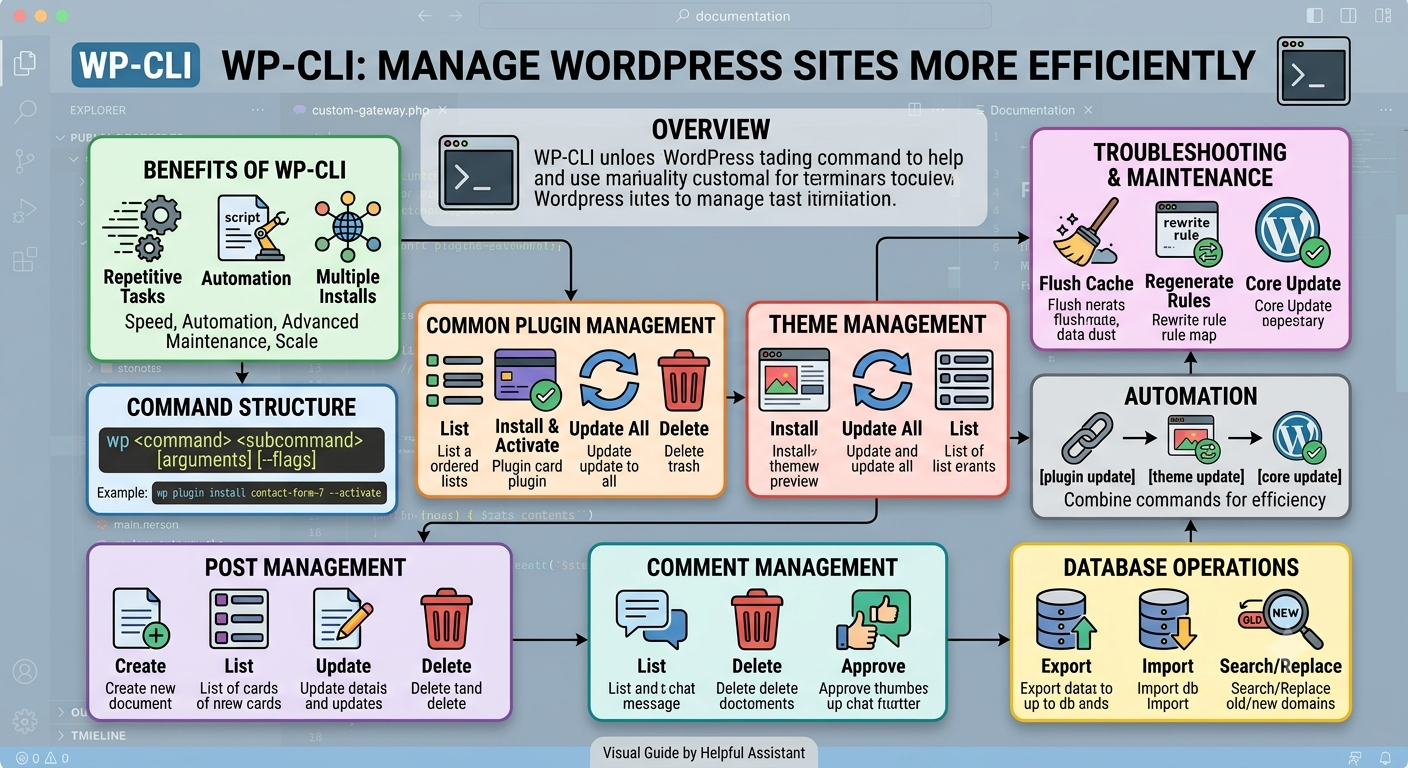
WP-CLI (WordPress Command Line Interface) is a tool that allows WordPress administrators and developers to manage WordPress websites directly from the command line. Instead of performing tasks through the WordPress dashboard, users can execute commands in a terminal to manage content, plugins, themes, databases, and site maintenance more efficiently.
Benefits of WP-CLI
* Faster execution of repetitive tasks
* Ability to automate workflows using scripts
* Easier management of multiple WordPress installations
* Access to advanced maintenance and troubleshooting tools
* Reduced reliance on the graphical admin interface
Command Structure
WP-CLI commands generally follow this format:
“`bash
wp <command> <subcommand> [arguments] [–flags]
“`
Example:
“`bash
wp plugin install contact-form-7 –activate
“`
This command installs and activates the Contact Form 7 plugin.
Common Plugin Management Commands
List installed plugins:
“`bash
wp plugin list
“`
Install and activate a plugin:
“`bash
wp plugin install contact-form-7 –activate
“`
Update all plugins:
“`bash
wp plugin update –all
“`
Delete a plugin:
“`bash
wp plugin delete plugin-name
“`
Theme Management
Install a theme:
“`bash
wp theme install twentytwentyfive –activate
“`
Update all themes:
“`bash
wp theme update –all
“`
List installed themes:
“`bash
wp theme list
“`
Post Management
Create a post:
“`bash
wp post create –post_title=”My New Post” –post_status=publish
“`
List posts:
“`bash
wp post list
“`
Update a post:
“`bash
wp post update 123 –post_title=”Updated Title”
“`
Delete a post:
“`bash
wp post delete 123 –force
“`
Comment Management
List comments:
“`bash
wp comment list
“`
Delete a comment:
“`bash
wp comment delete 456 –force
“`
Approve a comment:
“`bash
wp comment approve 456
“`
Database Operations
Export the database:
“`bash
wp db export
“`
Import a database:
“`bash
wp db import backup.sql
“`
Search and replace URLs or text:
“`bash
wp search-replace “old-domain.com” “new-domain.com”
“`
Troubleshooting and Maintenance
Flush cache:
“`bash
wp cache flush
“`
Regenerate rewrite rules:
“`bash
wp rewrite flush
“`
Check WordPress version:
“`bash
wp core version
“`
Update WordPress core:
“`bash
wp core update
“`
Automation
Multiple commands can be chained together:
“`bash
wp plugin update –all && wp theme update –all && wp core update
“`
This allows administrators to automate routine maintenance tasks and integrate WordPress management into deployment scripts and CI/CD workflows.
Conclusion
WP-CLI is a powerful productivity tool for WordPress users who manage websites regularly. It simplifies administration, speeds up maintenance, supports automation, and provides advanced capabilities that are difficult or time-consuming to perform through the WordPress dashboard alone.
If you’d like a full technical document with installation instructions, prerequisites, and advanced WP-CLI examples, I can prepare that as well.
Written by dev
Member of the Studio Engineering and Product Architecture practice.